Xtream Codes Player for live TV, movies and series
Sign in with the Xtream login from your provider – server, username and password – and IPTV Tree loads live TV, movies and series with posters, episodes and EPG. On Android TV, Samsung TV, Mac and Windows.
Android TV · Samsung TV · Mac · Windows
Everything from your Xtream login
An Xtream login gives IPTV Tree more than a channel list.
Live TV with EPG
Channels by category, each showing what is on now.
Movies
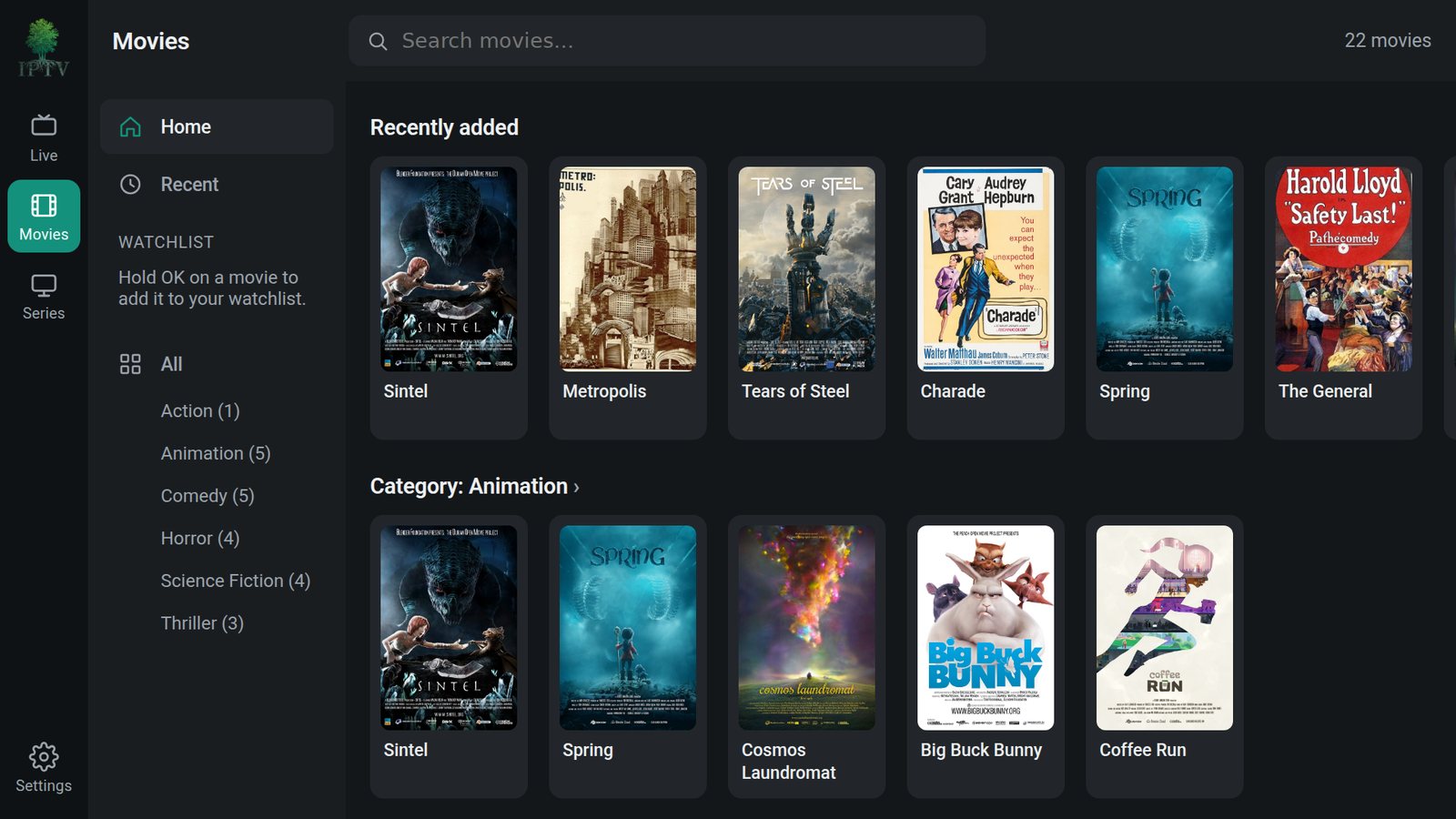
Films with poster, year and rating, sorted by your provider's categories, with recently added at the top.
Series with every episode
Seasons and episodes with poster, rating and cast. Play continues where you stopped, on any device.
Watchlist and recently watched
Mark films and series for later. Your lists are stored in your account and synced to every device.
Sign in with Xtream Codes
You need three details from your IPTV provider: the server address, your username and your password.
Install the app
Download IPTV Tree for your TV or computer.
Enter the login
Sign up in the app or at
iptv-tree.com/pair, choose Xtream and enter server, username and password.Watch
Live TV, Movies and Series appear in the bar on the left.
IPTV Tree is only a player. The app does not include or provide any channels, movies or series. It only plays the playlist you get from your own provider, and you are responsible for using it lawfully.
Questions
What do I need for an Xtream login?
The server address (URL with port), your username and your password. You get these from your IPTV provider.
Xtream or M3U – which is better?
If your provider offers both, Xtream usually gives you more: movies and series with details are loaded separately and the EPG often comes along. M3U is a plain list of streams.
Where are my login details stored?
In your IPTV Tree account, so every device you sign in on can use them. See the privacy policy for details.
Does IPTV Tree include channels?
No. IPTV Tree is only a player. It does not include any channels, movies or series. You add the playlist you get from your own IPTV provider.
Is IPTV Tree free?
Yes. IPTV Tree is free and has no ads.
Screenshots show free content only (Blender open movies, © Blender Foundation, CC BY, and public-domain films). IPTV Tree itself contains no content.