
IPTV Tree
A player for your own IPTV playlist. It plays live TV, movies and series, is operated with the TV remote, and keeps your playlists and progress in sync across devices through one account.
Android TV · Samsung TV · Mac · Windows
Features
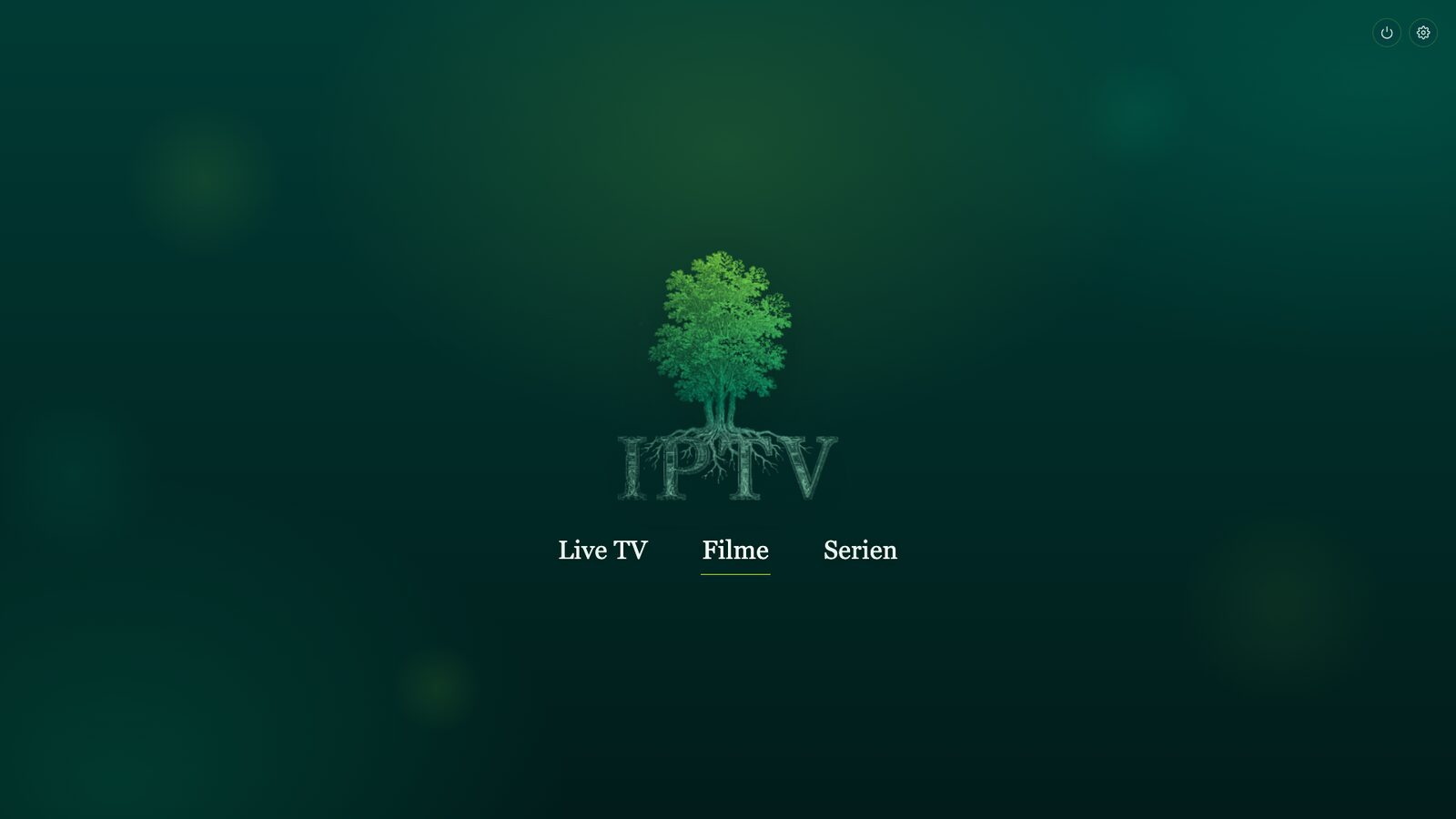
The start screen has three entries: Live TV, Movies and Series. Everything else is reached with the arrow keys and OK.
Remote control
Every screen works with arrow keys, OK and Back. Search uses an on-screen keyboard, no mouse needed. On Mac and Windows the same keys work on the keyboard.
One account for all devices
Playlists, watchlists, the EPG link and recently watched are stored in your account. Start a movie on the TV and continue at the same position on your laptop.
Setup from your phone
Scan the QR code shown on the TV and enter the playlist on your phone, instead of typing long URLs with the remote.
EPG, subtitles, audio tracks
Now and next for live TV from your EPG. For movies and series you can search subtitles online, adjust their timing and pick the audio track. The app remembers your choice.
Setup
You need the credentials from your IPTV provider, either an Xtream login or an M3U link.
-
Install the app
Download IPTV Tree for your device below.
-
Create an account
Sign up in the app or on your phone at
iptv-tree.com/pairand add your playlist. -
Sign in
Every device you sign in on loads your playlists and lists automatically.
Downloads
Free, no ads. Get the TV apps from your TV's app store, the desktop apps from this site.
Android TV
Until the Google Play release, install IPTV Tree with the free Downloader app:
- Install Downloader (by AFTVnews) from the Google Play Store on your TV.
- Open Downloader, enter the code 3234755 and press Go.
- When asked, allow Downloader to install unknown apps, then tap Install.
Samsung Smart TV
Coming soon to the Samsung TV app store. The app is currently in review.
Mac
For Macs with Apple silicon (M1 and later). The app is not signed by Apple: on first launch, right-click the app and choose Open.
Windows
For Windows 10 and 11 (64-bit). Unzip and run iptv-tree.exe. If SmartScreen shows a warning, click More info, then Run anyway.
IPTV Tree is only a player. The app does not include or provide any channels, movies or series. It only plays the playlist you get from your own provider, and you are responsible for using it lawfully.